


IG takes first place in our 2026 mobile CFD comparison, with Exness, Markets.com, and ATFX close behind. Each broker earned a score across app usability, charting, order controls, deposits and withdrawals, security and regulation, and South African support. The best choice still depends on how you trade from a phone.
South African traders should check the legal entity behind an account as carefully as the app itself. A well-presented interface means little if the account structure, risk controls, funding route, or client support does not fit your circumstances. Our comparison considers those factors carefully.
What is the best CFD broker for mobile trading in South Africa?
IG ranks as the best CFD broker for mobile trading in South Africa in our 2026 comparison. Its mobile app combines advanced charts, technical indicators, price alerts, trade-from-chart execution, account funding and several order controls in one environment. Exness, Markets.com and ATFX are also strong choices depending on whether you prioritise account management, research, MetaTrader access or local South African support.

🏆10 Best Forex Brokers in South Africa
| Rank | Broker | Broker Review | Regulators | Minimum Deposit | Visit Broker |
|---|---|---|---|---|---|
| 🥇 |  | Read Review | ASIC, FSA, CBI, BVI, FSCA, FRSA, CySEC, ISA, JFSA | $100 | Visit Now |
| 🥈 |  | Read Review | FSCA, FCA, DFSA, FSA, CMA | $0 | Visit Now |
| 🥉 |  | Read Review | FSCA, FSC, CYSEC, DFSA, CMA, FSC, FSA | $5 | Visit Now |
| 4 |  | Read Review | ASIC, CySEC, FSA, SCB | $0 | Visit Now |
| 5 |  | Read Review | BVI FSC | $0 | Visit Now |
| 6 |  | Read Review | FSA, FSC, FSCA, ASIC, CMA | $20 | Visit Now |
| 7 |  | Read Review | Exness is a globally regulated broker, holding multiple licenses from respected financial regulators around the world. | $10 | Visit Now |
| 8 |  | Read Review | ASIC, CySEC, FSCA, FSA, FSC, CMA | $100 | Visit Now |
| 9 |  | Read Review | FSC | $10 | Visit Now |
| 10 |  | Read Review | FSA, CySEC, FSCA, FSC | $10 | Visit Now |


Are mobile CFD brokers safe in South Africa?
Mobile CFD brokers can be suitable for South African traders when the company behind the account is properly authorised and the trader understands which legal entity provides the CFD. The app itself is only the trading interface. Before depositing, traders should verify the broker's FSCA status, product-provider structure, account security, funding process and available risk-management controls.
10 Best CFD Brokers for Mobile Trading in South Africa
| Rank | Broker | Main mobile platform | Mobile score | Best for | South African regulatory position | Local funding/support |
|---|---|---|---|---|---|---|
| 1 | IG | IG app | 96/100 | Advanced mobile control | FSP 41393 and licensed ODP | In-app funding; SA support |
| 2 | Exness | Exness Trade | 94/100 | Account and fund control | FSP 51024; separate ODP entity | In-app funds; Cape Town contact |
| 3 | Markets.com | Markets.com app | 91/100 | Research and charts | FSP 46860 and licensed ODP | Card/bank routes; SA phone |
| 4 | ATFX | AT GO Mobile | 90/100 | MT5 and research tools | FSP 44816 and licensed ODP | Instant EFT; SA office |
| 5 | Plus500 | Plus500 app | 88/100 | Simple proprietary app | FSCA FSP 47546 | Card/bank routes; online support |
| 6 | Tickmill | Tickmill Trader | 87/100 | Technical mobile charts | FSCA FSP 49464 | Mobile funds; SA phone |
| 7 | FP Markets | MT4, MT5, cTrader | 85/100 | Platform choice | FSCA FSP 50926 | Multiple routes; 24/7 support |
| 8 | AvaTrade | AvaTrade app | 84/100 | Newer CFD traders | FSCA FSP 45984 | Payments; multilingual support |
| 9 | FXTM | FXTM Trader | 83/100 | Mobile account management | FSP 50320 and licensed ODP | App deposits; direct support |
| 10 | HFM | HFM app | 81/100 | HFM and MetaTrader choice | FSP 46632, intermediary | App wallet; live support |
IG earns the top score because its app combines charts, indicators, trade-from-chart execution, in-app deposits and withdrawals, several order controls, and a South African entity with both FSP and ODP authorisation.
Exness follows with excellent account and fund control inside Exness Trade. Markets.com and ATFX gain ground through local ODP status, capable mobile tools, and South African contact routes.
What is a Mobile CFD Broker?
A mobile CFD broker gives traders access to contracts for difference through a smartphone or tablet. Depending on the broker, the mobile platform can include live prices, charts, technical indicators, watchlists, deposits, withdrawals, market orders, pending orders and account-management tools. Some brokers build their own apps, while others provide mobile access through platforms such as MetaTrader 4, MetaTrader 5, cTrader or TradingView.
For South African traders, mobile functionality is only one part of the decision. Regulation, the legal entity behind the account, the CFD product provider, funding options, risk controls and customer support still need to be checked before opening a live account.
10 Best CFD Brokers for Mobile Trading in South Africa (2026):
- IG – Best Overall for Advanced Mobile Control
- Exness – Best for Account and Fund Control
- Markets.com – Best for Integrated Research and Charts
- ATFX – Best for MT5 and Research Tools
- Plus500 – Best for a Simple Proprietary App
- Tickmill – Best for Technical Mobile Charts
- FP Markets – Best for Mobile Platform Choice
- AvaTrade – Best for Newer CFD Traders
- FXTM – Best for Mobile Account Administration
- HFM – Best for HFM and MetaTrader Choice
How we scored the best mobile CFD brokers
We scored each broker on six factors that affect a phone-based CFD account. Regulation and security receive the highest share because an attractive app cannot compensate for uncertainty about the legal entity, product provider, or client protection framework.
| Factor | Weight | Assessment focus |
|---|---|---|
| Mobile usability | 20% | Navigation, trade flow, account controls, and platform scope |
| Charting and analysis | 20% | Indicators, drawing tools, timeframes, alerts, and research |
| Order and risk tools | 15% | Market orders, pending orders, stops, limits, and trade edits |
| Deposits and withdrawals | 10% | Mobile funding, withdrawal control, payment routes, and SA relevance |
| Security and regulation | 25% | FSCA status, ODP role, account security, and entity disclosure |
| South African support | 10% | Local contact routes, service hours, and SA client assistance |
Scores reflect current platform features and regulatory records available at the time of publishing, not claims of hands-on performance tests.
A broker must accept eligible South African clients, provide an iOS and Android route, identify the relevant client entity, and provide enough current detail across the six factors. This favours regulation and security first, mobile usability second, and South African support third.
1. IG

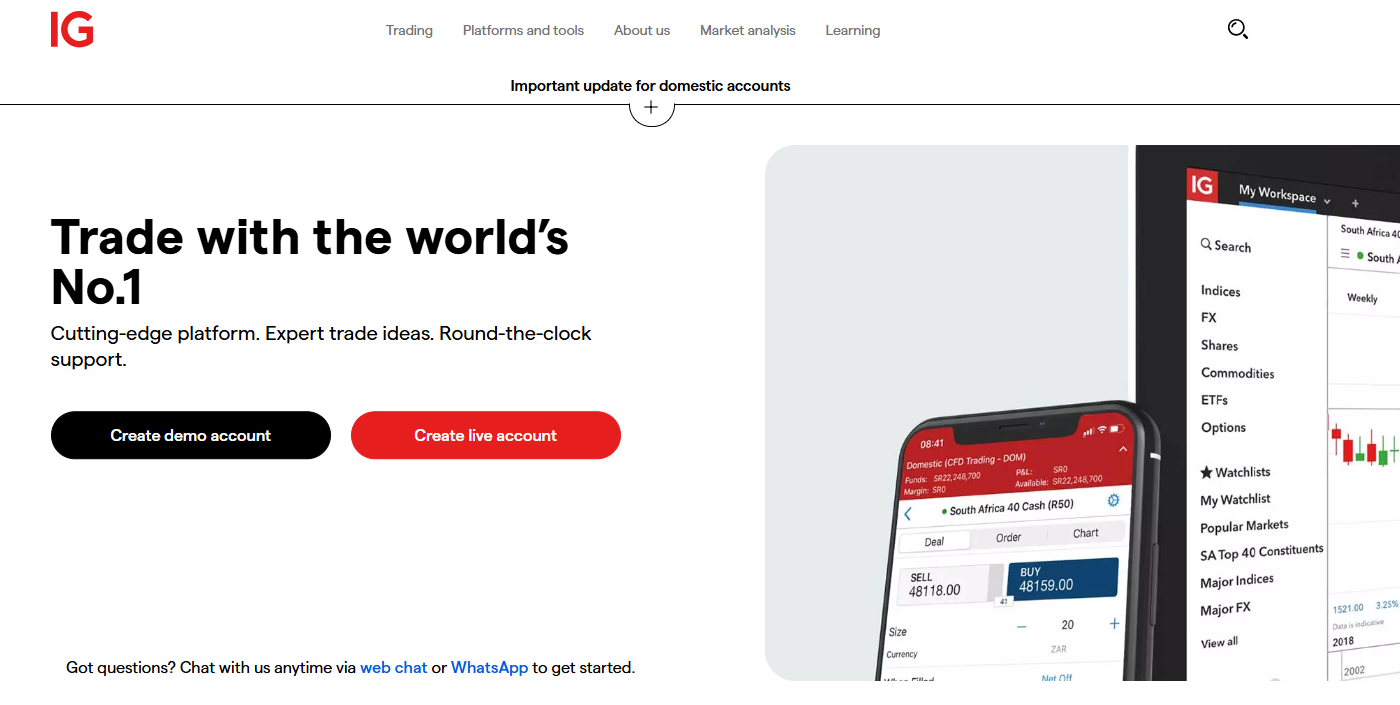
- IG combines detailed charts, technical indicators, price alerts, trade-from-chart execution, and several risk controls in its iOS and Android app.
- Mobile account functions include deposits, withdrawals, history, and settings, which reduces the need to switch to desktop for routine account tasks.
- IG Markets South Africa Ltd holds FSP 41393 and an ODP licence, while local support includes web chat, WhatsApp, email, and a Sandton office. Newer traders can find the feature range dense at first.
Features
| Feature | IG Mobile Offering |
|---|---|
| Mobile Platform | IG app for iOS and Android |
| Charting | Detailed charts and technical indicators |
| Order Controls | Multiple order and risk controls |
| Account Management | Deposits, withdrawals, history and settings |
| South African Regulation | FSP 41393 and licensed ODP |
| Local Support | Web chat, WhatsApp, email and Sandton office |
| Open an Account | Open Account |
Pros and Cons
| Pros | Cons |
|---|---|
| Advanced mobile charting and analysis | Feature range can feel dense for newer traders |
| Trade-from-chart execution | Advanced tools may require more time to learn |
| Deposits and withdrawals available from the app | Not every trader needs the full range of mobile functionality |
| South African FSP and ODP authorisation | Platform depth may be more than casual traders require |
Why does IG rank first for mobile CFD trading in South Africa?
IG ranks first because its mobile environment covers most of the functions an active CFD trader is likely to need away from a desktop. Charts, technical indicators, alerts, trade execution, account funding and risk controls are available through the app, while the South African entity holds both FSP and ODP authorisation.
Can IG traders manage deposits and withdrawals from a phone?
Yes. Mobile account functions include deposits, withdrawals, transaction history and account settings. This is useful for traders who want to manage both their positions and routine account administration without regularly switching back to the desktop platform.
2. Exness

- Exness Trade combines market charts, account administration, deposits, withdrawals, and CFD execution in one mobile environment, while MT5 offers an additional route for technical traders.
- Exness ZA (Pty) Ltd holds FSP 51024, and Exness (SC) Ltd has South African ODP authorisation. A Cape Town office and local contact details add a direct South African route for account issues.
- Traders who prefer MT4 still require the separate MetaTrader app, which breaks the single-app experience.
Features
| Feature | Exness Mobile Offering |
|---|---|
| Main Mobile Platform | Exness Trade |
| Alternative Platform | MetaTrader 5 |
| Account Management | Deposits, withdrawals and account administration |
| Trading | CFD execution and market charts |
| South African Regulation | FSP 51024; separate ODP entity |
| Local Support | Cape Town office and local contact details |
| Open an Account | Open Account |
Pros and Cons
| Pros | Cons |
|---|---|
| Strong mobile account and fund administration | MT4 users need a separate MetaTrader app |
| Deposits and withdrawals inside Exness Trade | The entity structure requires careful checking |
| MT5 available for technical traders | The single-app experience is weaker for MT4 users |
| South African contact route | Platform choice may feel fragmented for some users |
Why is Exness strong for mobile account management?
Exness Trade brings trading, deposits, withdrawals, and general account administration into one mobile environment. That makes it particularly useful for traders who want to control both their CFD positions and their account funds directly from a phone.
Does Exness offer MetaTrader on mobile?
Yes. MT5 provides an additional mobile route for technical traders. Traders who prefer MT4 need to use the separate MetaTrader application, so the experience is not fully contained within Exness Trade for those users.
3. Markets.com

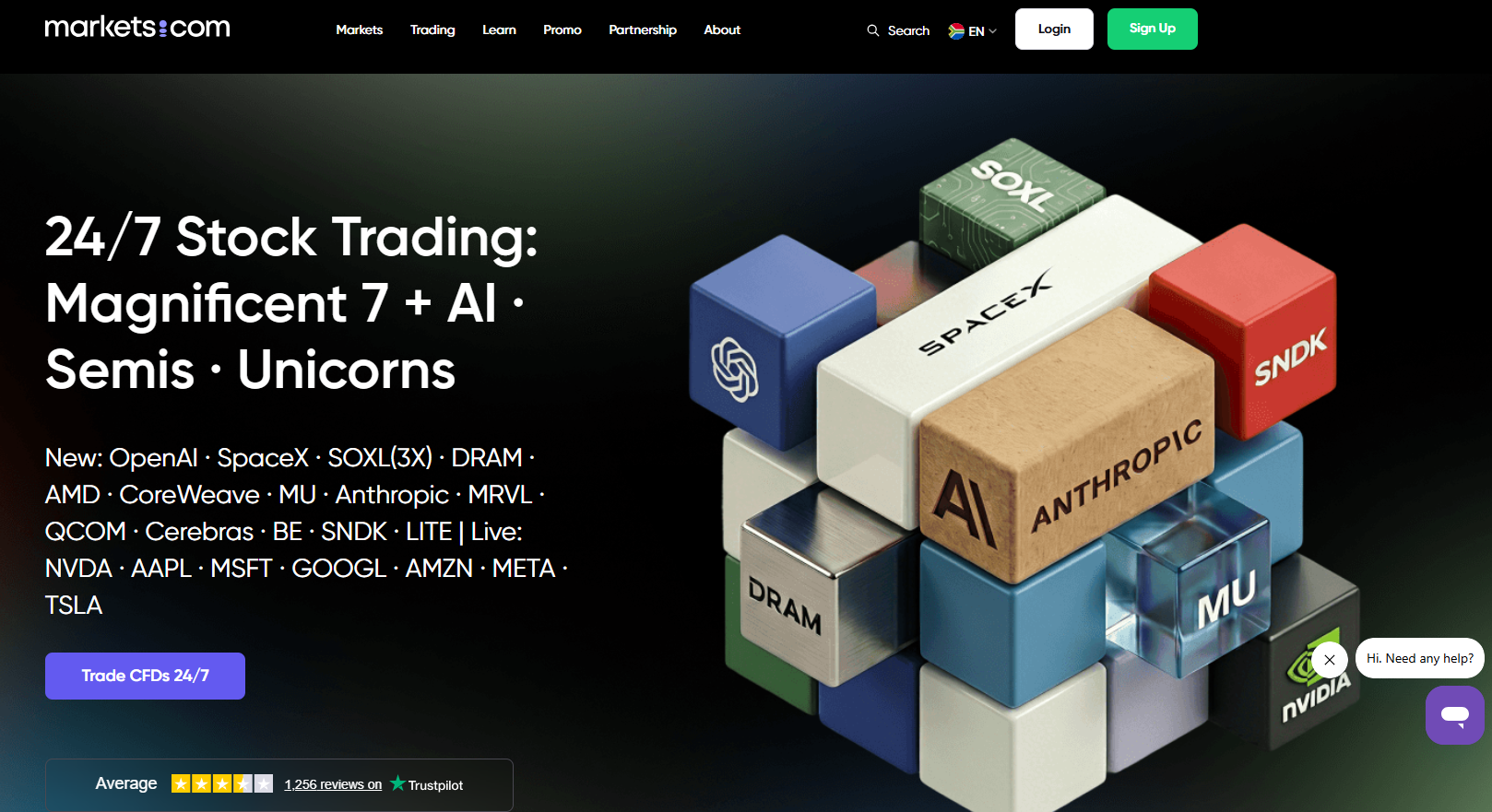
- Markets.com pairs a streamlined mobile interface with TradingView charts, financial news, commentary, market statistics, and order execution on iOS and Android.
- Card and bank payment routes support account funding, while a South African telephone number gives local clients a direct contact route.
- Markets South Africa (Pty) Ltd holds FSP 46860 and an ODP licence. Traders who want MetaTrader-specific automation or specialist desktop functions can prefer another platform, but the proprietary app covers the main mobile workflow extremely well.
Features
| Feature | Markets.com Mobile Offering |
|---|---|
| Mobile Platform | Markets.com app |
| Charts | TradingView charts |
| Research | Financial news, commentary and market statistics |
| Funding | Card and bank payment routes |
| South African Regulation | FSP 46860 and licensed ODP |
| Local Support | South African telephone number |
| Open an Account | Open Account |
Pros and Cons
| Pros | Cons |
|---|---|
| TradingView-powered charting | MetaTrader-specific automation may require another broker or platform |
| Integrated research and market commentary | Specialist desktop functions may be more limited on mobile |
| South African ODP status | Proprietary workflow may not suit dedicated MetaTrader users |
| Local telephone support route | Advanced traders may still prefer desktop for some tasks |
Why is Markets.com good for mobile research?
Markets.com combines charts, financial news, commentary and market statistics within its mobile environment. Traders who prefer to analyse markets and execute orders without moving between several different apps can find this integrated setup particularly useful.
Does Markets.com offer local South African support?
Yes. A South African telephone number provides local clients with a direct contact route, while the South African entity holds FSP 46860 and an ODP licence.
4. ATFX

- ATFX gives South African clients AT GO Mobile alongside MT5, with charts, market data, watchlists, account administration, deposits, withdrawals, and Trading Central content.
- Instant EFT is among the local deposit routes, and AT Global Markets SA (Pty) Ltd holds FSP 44816 plus an ODP licence.
- The Cape Town office supports the local proposition. Traders who prefer a broader proprietary ecosystem can find the platform choice narrower than FP Markets, while MT5 fans get a focused setup.
Features
| Feature | ATFX Mobile Offering |
|---|---|
| Main Platform | AT GO Mobile |
| MetaTrader | MT5 |
| Research | Trading Central content |
| Funding | Instant EFT and other account funding routes |
| South African Regulation | FSP 44816 and licensed ODP |
| Local Presence | Cape Town office |
| Open an Account | Open Account |

Pros and Cons
| Pros | Cons |
|---|---|
| AT GO Mobile and MT5 access | Narrower platform range than FP Markets |
| Trading Central research content | Traders seeking a large proprietary ecosystem may prefer another broker |
| Instant EFT available | Some advanced workflows remain platform-dependent |
| South African FSP and ODP status | Platform choice is more focused than broad |
Is ATFX suitable for traders who prefer MT5?
Yes. MT5 is one of the main reasons ATFX stands out in this comparison. Traders can also use AT GO Mobile for watchlists, market information, account administration, and funding, creating a focused mobile setup around MetaTrader and proprietary tools.
Can South African ATFX clients use Instant EFT?
Instant EFT is among the local deposit routes available to South African clients. That adds a locally relevant funding option alongside the broker's mobile account-management functions.
5. Plus500

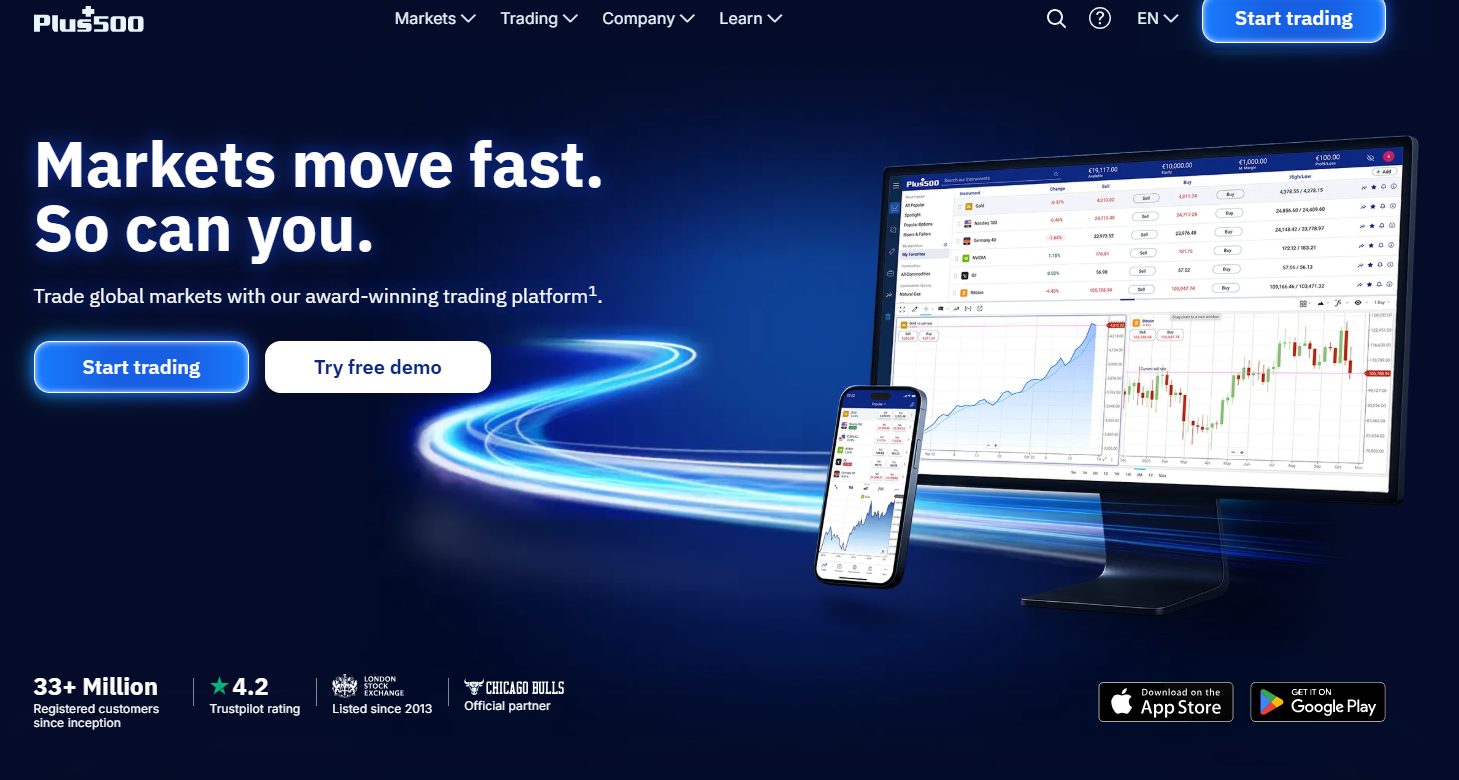
- Plus500 offers a proprietary mobile route with dynamic charts, alerts, pending orders, stop-loss controls, trailing stops, and guaranteed stops on eligible instruments.
- Deposits and withdrawals attract no broker fee under the standard fee schedule, while card and bank routes support routine account funding.
- Plus500AU Pty Ltd is an authorised South African FSP under licence 47546. The app favours direct CFD execution over a multi-platform ecosystem, which makes it suitable for traders who prefer fewer platform choices.
Features
| Feature | Plus500 Mobile Offering |
|---|---|
| Platform | Proprietary Plus500 app |
| Charting | Dynamic charts and alerts |
| Risk Tools | Stop loss, trailing stops and guaranteed stops on eligible instruments |
| Orders | Pending orders and mobile position controls |
| Funding | Card and bank routes |
| South African Regulation | FSCA FSP 47546 |
| Open an Account | Open Account |
Pros and Cons
| Pros | Cons |
|---|---|
| Simple proprietary mobile interface | No broad multi-platform ecosystem |
| Useful mobile risk controls | Less suited to traders wanting MetaTrader or cTrader |
| Guaranteed stops on eligible instruments | Feature availability can depend on the instrument |
| Card and bank funding routes | Platform flexibility is intentionally limited |
Why is Plus500 suitable for traders who want a simple mobile app?
Plus500 concentrates the trading experience inside its own proprietary platform rather than offering several different third-party platforms. That can make the mobile workflow easier to follow for traders who want direct CFD execution without choosing between multiple trading environments.
Does Plus500 provide mobile risk-management tools?
Yes. The app includes pending orders, stop-loss controls, trailing stops, and guaranteed stops on eligible instruments. Traders should still check the conditions attached to each order type before relying on it as part of their risk-management process.
6. Tickmill

- Tickmill Trader offers more than 60 technical indicators, custom watchlists, mobile charts, and biometric login on iOS and Android.
- A separate Tickmill mobile app handles deposits, withdrawals, account documents, balances, and live chat, while MT4 and MT5 provide additional trade routes.
- Tickmill South Africa (Pty) Ltd holds FSP 49464, with a South African client support number and SAST service hours. Two separate apps can create extra friction for traders who prefer trade execution and account administration inside one interface.
Features
Feature Tickmill Mobile Offering Trading App Tickmill Trader Indicators More than 60 technical indicators Alternative Platforms MT4 and MT5 Security Biometric login Account App Deposits, withdrawals, documents, balances and live chat South African Regulation FSCA FSP 49464 Open an Account Open Account

Pros and Cons
| Pros | Cons |
|---|---|
| More than 60 technical indicators | Trading and account administration are split across apps |
| MT4 and MT5 available | Two-app workflow can create extra friction |
| Biometric login | Features vary between platforms |
| South African support number and SAST hours | Single-app traders may prefer another broker |
Why does Tickmill stand out for technical mobile charting?
Tickmill Trader offers more than 60 technical indicators together with custom watchlists and mobile charts. That gives technically focused traders a relatively deep analysis toolkit when they are working from a phone.
Can Tickmill traders manage their accounts from mobile?
Yes. A separate Tickmill mobile app handles deposits, withdrawals, account documents, balances and live chat. The trade-off is that traders may need to move between the trading app and the account-management app.
7. FP Markets

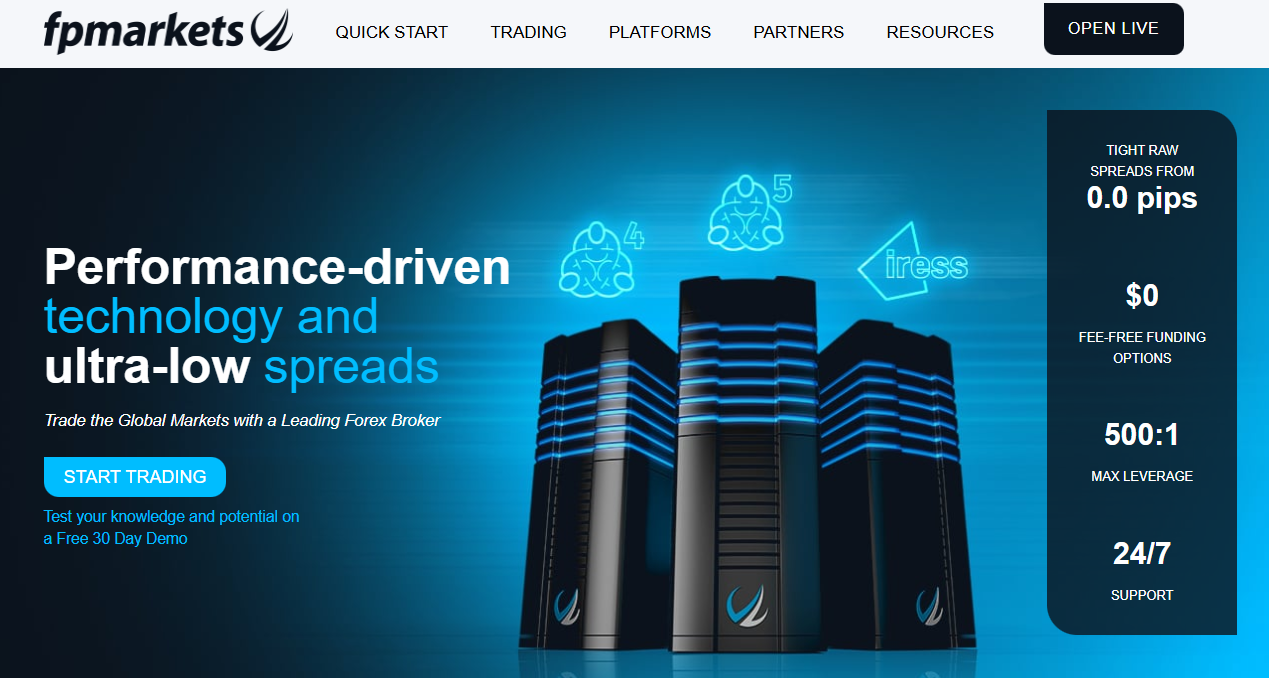
- FP Markets offers traders access to MT4, MT5, cTrader, TradingView, and its own mobile route, with iOS and Android availability across the core platform range.
- MT5 provides 38 indicators, 21 timeframes, and eight order types, while cTrader and TradingView broaden chart choice.
- FP Markets (Pty) Ltd holds FSP 50926 in South Africa, and client support is available 24/7. The trade-off is fragmentation, since features differ by platform and account type, which can complicate a first mobile setup.
Features
| Feature | FP Markets Mobile Offering |
|---|---|
| Platforms | MT4, MT5, cTrader, TradingView and proprietary mobile route |
| MT5 Indicators | 38 indicators |
| MT5 Timeframes | 21 timeframes |
| MT5 Order Types | Eight order types |
| Support | 24/7 client support |
| South African Regulation | FSCA FSP 50926 |
| Open an Account | Open Account |
Pros and Cons
| Pros | Cons |
|---|---|
| Excellent mobile platform choice | Features differ between platforms |
| MT4, MT5, cTrader and TradingView available | First-time setup can feel fragmented |
| Strong MT5 charting tools | Account type can affect platform features |
| 24/7 support | Choosing between platforms requires more comparison |
Which FP Markets platform is best for mobile traders?
That depends on the trader's preferred workflow. MT5 offers a deep technical setup with 38 indicators, 21 timeframes and eight order types, while cTrader and TradingView provide alternative charting environments. Traders who already know one of these platforms may find the choice particularly useful.
What is the main drawback of FP Markets on mobile?
The broad platform choice can also create fragmentation. Features differ according to platform and account type, so traders may need to compare the available mobile routes carefully before deciding which one fits their trading style.
8. AvaTrade

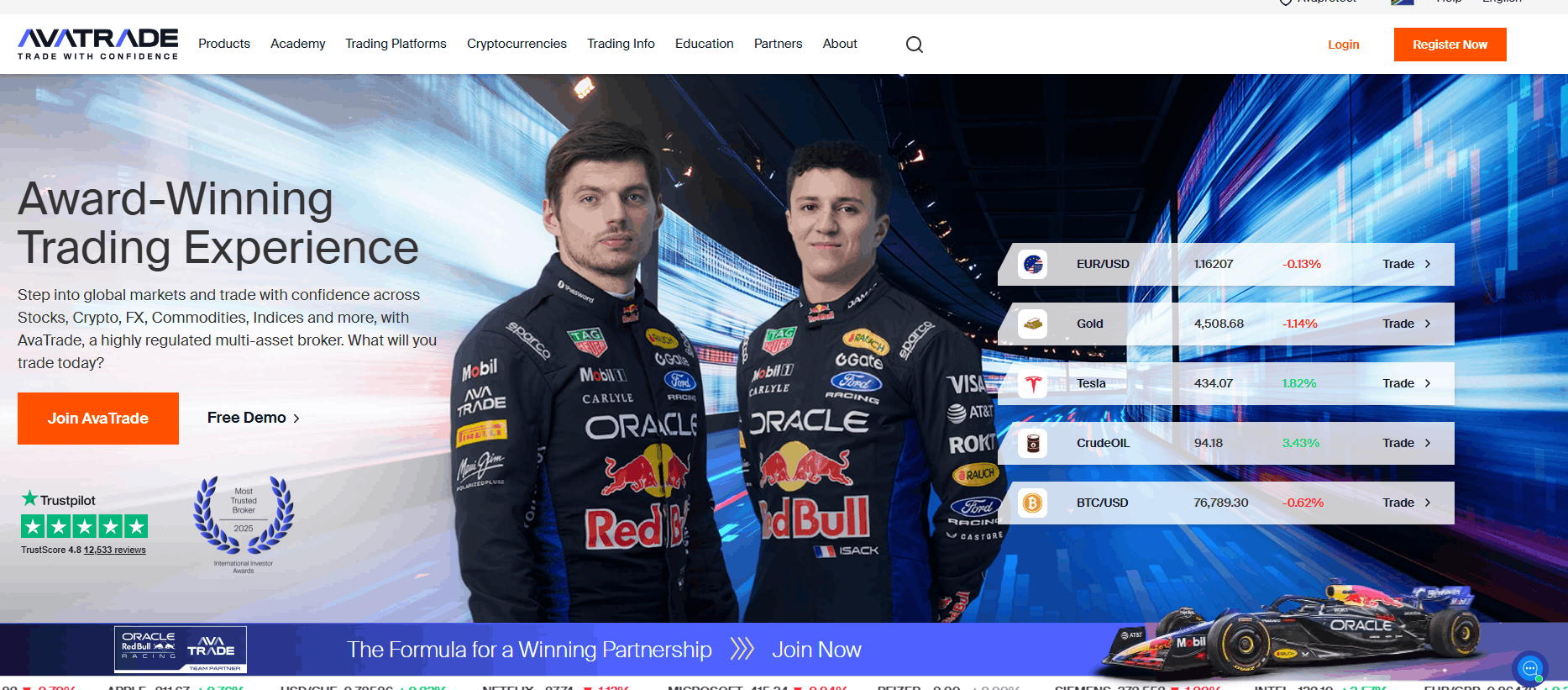
- AvaTrade combines charts, indicators, alerts, news, heatmaps, stop-loss controls, and AvaProtect within its proprietary mobile app. OCO orders and trailing stops add deeper order control for traders who move past the basics.
- Ava Capital Markets Pty is regulated by the FSCA under FSP 45984, while multilingual assistance covers account queries.
- AvaProtect has a separate hedging cost and covers eligible trades under set conditions, which requires careful review before a trader treats the feature as a risk control choice.
Features
| Feature | AvaTrade Mobile Offering |
|---|---|
| Mobile Platform | AvaTrade app |
| Analysis | Charts, indicators, alerts, news and heatmaps |
| Risk Tools | Stop loss, OCO orders, trailing stops and AvaProtect |
| Support | Multilingual assistance |
| South African Regulation | FSCA FSP 45984 |
| Best For | Newer CFD traders |
| Open an Account | Open Account |
Pros and Cons
| Pros | Cons |
|---|---|
| Beginner-friendly proprietary app | AvaProtect carries a separate hedging cost |
| Charts, alerts and heatmaps included | AvaProtect only applies under set conditions |
| Several mobile order controls | Traders must understand the conditions before relying on protection tools |
| FSCA-regulated South African entity | Some advanced features require a learning curve |
Why is AvaTrade suitable for newer mobile CFD traders?
AvaTrade combines a proprietary mobile interface with charts, indicators, alerts, news, and several risk-management tools. The platform gives newer traders room to start with the main trading functions before moving into more advanced order controls.
What is AvaProtect on the AvaTrade mobile app?
AvaProtect is a risk-management feature available on eligible trades under specific conditions. It carries a separate hedging cost, so traders should understand the pricing and protection terms before deciding whether to use it.
9. FXTM

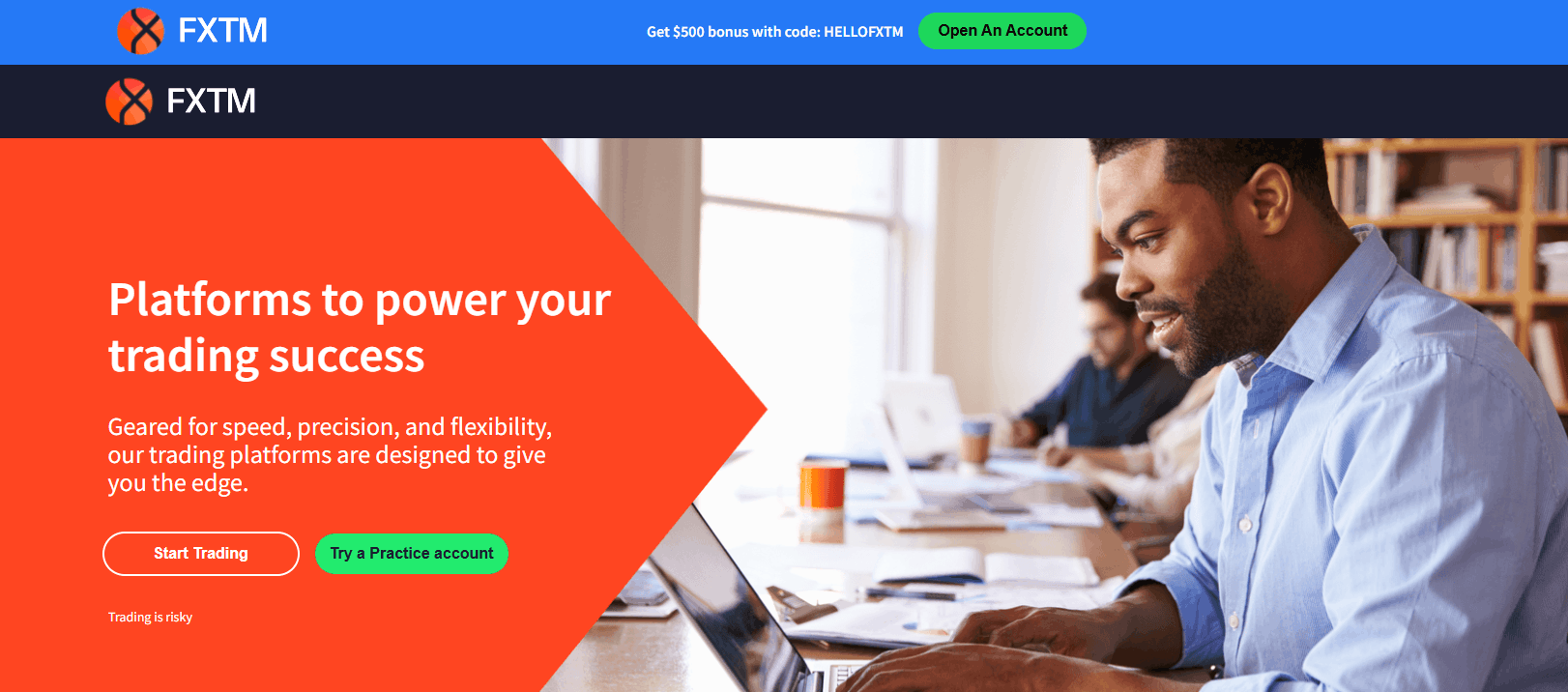
- FXTM Trader combines profile administration, market news, economic events, technical indicators, deposits, and trade activity on a phone. MT4 and MT5 offer familiar third-party mobile routes for traders who already know MetaTrader.
- Exinity Limited holds South African FSP 50320 and an ODP licence.
- A key drawback is that trailing stops are not available on the mobile MetaTrader platforms, while Expert Advisors require a desktop. FXTM is suitable for traders who prioritise account administration and standard mobile technical tools.
Features
| Feature | FXTM Mobile Offering |
|---|---|
| Main Platform | FXTM Trader |
| Alternative Platforms | MT4 and MT5 |
| Account Management | Profile administration and deposits |
| Market Tools | News, economic events and technical indicators |
| South African Regulation | FSP 50320 and licensed ODP |
| Desktop Requirement | Expert Advisors require desktop |
| Open an Account | Open Account |
Pros and Cons
| Pros | Cons |
|---|---|
| Strong mobile account administration | Trailing stops unavailable on mobile MetaTrader |
| MT4 and MT5 available | Expert Advisors require desktop |
| Market news and economic events included | Some advanced MetaTrader functionality remains desktop-only |
| South African FSP and ODP authorisation | Mobile traders may need desktop access for automation |
Why is FXTM good for mobile account administration?
FXTM Trader combines profile administration, deposits, market news, economic events, and trade activity in one mobile environment. That makes it useful for traders who want to manage routine account functions and market activity while away from a computer.
Can I use Expert Advisors on FXTM mobile platforms?
No. Expert Advisors require desktop access, and trailing stops are not available on the mobile MetaTrader platforms. Traders who rely heavily on automated strategies therefore need to keep desktop access as part of their setup.
10. HFM

- HFM offers its proprietary app alongside MT4 and MT5, with account control, fund transfers, charts, drawing tools, market news, and trade edits from a phone.
- The HFM app has five technical indicators and four pending-order types, while MT5 provides deeper chart and order capability.
- HF Markets SA (Pty) Ltd holds FSP 46632 and acts as an intermediary between the client and HF Markets Ltd, the product supplier. Ensure that you understand the entity structure before you register a live account.
Features
| Feature | HFM Mobile Offering |
|---|---|
| Platforms | HFM app, MT4 and MT5 |
| HFM App Indicators | Five technical indicators |
| Pending Orders | Four pending-order types |
| Account Functions | Account control and fund transfers |
| Market Tools | Charts, drawing tools and market news |
| South African Regulation | FSP 46632, intermediary |
| Open an Account | Open Account |
Pros and Cons
| Pros | Cons |
|---|---|
| Choice between HFM app, MT4 and MT5 | HFM app has fewer indicators than MT5 |
| Mobile fund transfers and account control | Entity structure needs careful review |
| Charts and drawing tools available | HF Markets SA acts as an intermediary |
| MT5 offers deeper chart and order capability | Features differ between the proprietary app and MetaTrader |
Why might traders choose HFM for mobile CFD trading?
HFM gives traders a choice between its own mobile app and the familiar MT4 and MT5 environments. The proprietary app covers account control, fund transfers, charts, drawing tools, and market news, while MT5 provides a deeper technical setup.
What should South African traders understand about HFM's entity structure?
HF Markets SA (Pty) Ltd holds FSP 46632 and acts as an intermediary between the client and HF Markets Ltd, the product supplier. Traders should understand which company provides the CFD product before registering and funding a live account.
What South African traders should check before they choose an app
A mobile CFD account should fit the trader, the legal structure, and how money is transferred between bank accounts and brokers. Here are five checks that can narrow a shortlist before you register an account:
- Confirm the client entity, FSCA licence, ODP status, and actual CFD product provider.
- Check stop-loss, take-profit, pending order, and trade edit controls on the chosen mobile platform.
- Verify deposit routes, withdrawal routes, base currency, conversion charges, and mobile fund administration.
- Compare proprietary apps with MT4, MT5, cTrader, or TradingView against your preferred analysis workflow.
- Check South African phone, email, chat, office details, and service hours before account activation.
Remember to verify the broker’s FSCA licence directly before depositing funds, especially where a group contains several regulated entities. A South African FSP licence does not always mean the local company issues the CFD.
HFM, for example, describes its South African FSP as an intermediary, while IG, ATFX, FXTM, and Exness disclose ODP authorisation in South Africa.
Conclusion
IG takes the top spot for South African mobile CFD traders who want advanced charts, several order controls, account funding from the app, and a locally authorised ODP entity.
Exness is a compelling alternative for integrated fund and account administration, while Markets.com is suitable for traders who prioritise proprietary charts, market research, and local ODP status.
The right choice depends on more than the overall score. You must check the legal entity, mobile risk controls, deposit and withdrawal route, base currency, support channel, and platform suitability before account registration. Promotional bonuses or high leverage should never outweigh those checks.
You might also like:
- Best CFD Brokers in South Africa
- Best Forex Brokers in South Africa
- Best Forex Trading Apps
- Best MetaTrader 5 Brokers
- CFD Trading in South Africa
Frequently asked questions
What is the best CFD trading app for South African traders?
IG ranks first in our mobile comparison because it combines capable charts, several order controls, in-app funding, and a South African entity with FSP and ODP authorisation. Exness is a close alternative for traders who prefer integrated account and fund administration.
Are CFD trading apps regulated in South Africa?
Regulation applies to the financial services entity and derivative provider arrangement, not to an app as software. South African traders should verify the relevant firm through the FSCA and check which entity issues or provides the CFD before funding an account.
Can South Africans fund a mobile CFD account in rand?
Rand funding depends on the broker, account entity, base currency, and payment method. A local deposit route does not automatically mean the trading account is denominated in rand, and currency conversion charges can apply when the account currency differs.
Which mobile route is preferable: MetaTrader or a broker app?
MetaTrader is suitable for traders who prefer a familiar chart and order environment across brokers. A proprietary app can offer tighter links between trades, deposits, withdrawals, support, alerts, and account controls, which can reduce platform switching during routine account administration.
Can I trade CFDs entirely from my mobile phone?
Yes, many modern CFD brokers allow traders to analyse markets, place orders, manage open positions and handle routine account functions from a mobile phone. The exact capabilities vary by broker and platform, so traders should check whether deposits, withdrawals, charting, alerts and order edits are all available in the chosen app.
What should I look for in a mobile CFD trading app?
Focus on reliable order execution, usable charts, stop-loss and take-profit controls, pending orders, secure login, simple account administration, and convenient funding. South African traders should also confirm the legal entity, FSCA status, product provider, and local support arrangements before they deposit.
Is MetaTrader 5 better than a proprietary broker app?
Neither is automatically better. MT5 can suit traders who want a familiar technical environment, multiple indicators, and more advanced order functionality. Proprietary broker apps can be easier for deposits, withdrawals, support, and account administration because these functions are often built directly into the same mobile environment.
Do mobile CFD apps have the same features as desktop platforms?
Not always. Mobile platforms cover most routine trading functions, but certain advanced tools can remain desktop-only. FXTM, for example, requires desktop access for Expert Advisors, while features across FP Markets can differ according to the mobile platform and account type being used.
Are CFDs risky to trade from a mobile phone?
CFD risk does not disappear because the trade is placed from a phone. Leverage can amplify losses quickly, and mobile traders can be tempted to react too quickly to short-term price movements. Stop-loss controls, sensible position sizing, and a clear trading plan remain important regardless of the device being used.
Should I choose a broker based only on its mobile app?
No. The mobile app matters, but regulation, the legal entity, funding methods, withdrawal procedures, trading costs, product range, and client support are equally important. A polished app should never outweigh uncertainty about who holds the account or who actually provides the CFD product.
You Might Also Like




Recommended brokers