

Best Forex Training Apps Revealed. Forex training apps give you a pocket-sized way to learn how currency markets actually work, practice trades without risking real money, and build the habits you need before putting a cent on the line. Some apps focus purely on education, breaking down concepts like pips, leverage, and candlestick patterns.
What is the best forex training app?
The best forex training app is one that matches where you are in your learning journey — a complete beginner needs structured lessons and jargon-free explanations, while someone a few months in needs a demo platform with real market data and proper charting tools. Apps like BabyPips and IG Academy are strong on the lessons side, while MT4/MT5 and TradingView shine for hands-on practice. Pick based on whether you want to study, practice, or both.

🏆10 Best Forex Brokers in South Africa
| Rank | Broker | Broker Review | Regulators | Minimum Deposit | Visit Broker |
|---|---|---|---|---|---|
| 🥇 |  | Read Review | ASIC, FSA, CBI, BVI, FSCA, FRSA, CySEC, ISA, JFSA | $100 | Visit Now |
| 🥈 |  | Read Review | FSCA, FCA, DFSA, FSA, CMA | $0 | Visit Now |
| 🥉 |  | Read Review | FSCA, FSC, CYSEC, DFSA, CMA, FSC, FSA | $5 | Visit Now |
| 4 |  | Read Review | ASIC, CySEC, FSA, SCB | $0 | Visit Now |
| 5 |  | Read Review | BVI FSC | $0 | Visit Now |
| 6 |  | Read Review | FSA, FSC, FSCA, ASIC, CMA | $20 | Visit Now |
| 7 |  | Read Review | Exness is a globally regulated broker, holding multiple licenses from respected financial regulators around the world. | $10 | Visit Now |
| 8 |  | Read Review | ASIC, CySEC, FSCA, FSA, FSC, CMA | $100 | Visit Now |
| 9 |  | Read Review | FSC | $10 | Visit Now |
| 10 |  | Read Review | FSA, CySEC, FSCA, FSC | $10 | Visit Now |


Are forex training apps safe for beginners?
Yes, forex training apps are generally safe for beginners because most of them use virtual money or focus on learning content, so there's no real financial risk while you're figuring things out. The caveat is this — once you move from the training app into a live trading account with a broker, that's where real money is on the line. Stick with regulated brokers, start small, and don't let the confidence you built in a demo trick you into oversizing live trades.
10 Best Forex Training Apps
| Rank | App | Best For | Price | Available On | Demo / Virtual Trading | 📝 Sign up |
|---|---|---|---|---|---|---|
| 1 | IG Academy | Structured beginner courses | Free | iOS, Android | Yes (via IG account) | 👉 Open Account |
| 2 | Trading Game | Gamified forex learning | Free (in-app purchases) | iOS, Android | Yes | 👉 Open Account |
| 3 | MetaTrader 4 / MT5 | Live and demo chart practice | Free | iOS, Android, Web | Yes | 👉 Open Account |
| 4 | BabyPips | Complete forex curriculum | Free | Web, Mobile browser | No (education only) | 👉 Open Account |
| 5 | AvaTradeGO | Beginner-friendly live trading | Free | iOS, Android | Yes | 👉 Open Account |
| 6 | Go Forex | Bite-sized beginner lessons | Free (in-app purchases) | iOS, Android | No | 👉 Open Account |
| 7 | TradingView | Charting and community analysis | Free (Pro from $14.95/mo) | iOS, Android, Web | Paper trading built-in | 👉 Open Account |
| 8 | Exness Trader | Low-barrier live and demo use | Free | iOS, Android | Yes | 👉 Open Account |
| 9 | HFM (HotForex) | Account management and MT4 trading | Free | iOS, Android | Yes | 👉 Open Account |
| 10 | Stock Trainer | Risk-free market simulation | Free (ad-supported) | Android only | Yes (20 global markets) | 👉 Open Account |
10 Best Forex Training Apps (2026):
- IG Academy – Structured, broker-backed beginner course.
- Trading Game – Gamified lessons on forex and stocks.
- MetaTrader 4 / MetaTrader 5 (MT4 & MT5) – The go-to charting and demo platform.
- BabyPips – The most complete free forex curriculum online.
- AvaTradeGO – Beginner-friendly app from a regulated broker.
- Go Forex – Bite-sized lessons for absolute beginners.
- TradingView – Charting, analysis, and paper trading in one place.
- Exness Trader – Low-barrier demo and live trading app.
- HFM (HotForex) – Full account tools plus MT4 integration.
- Stock Trainer: Virtual Trading – Simulated trading across 20 global markets.
1. IG Academy

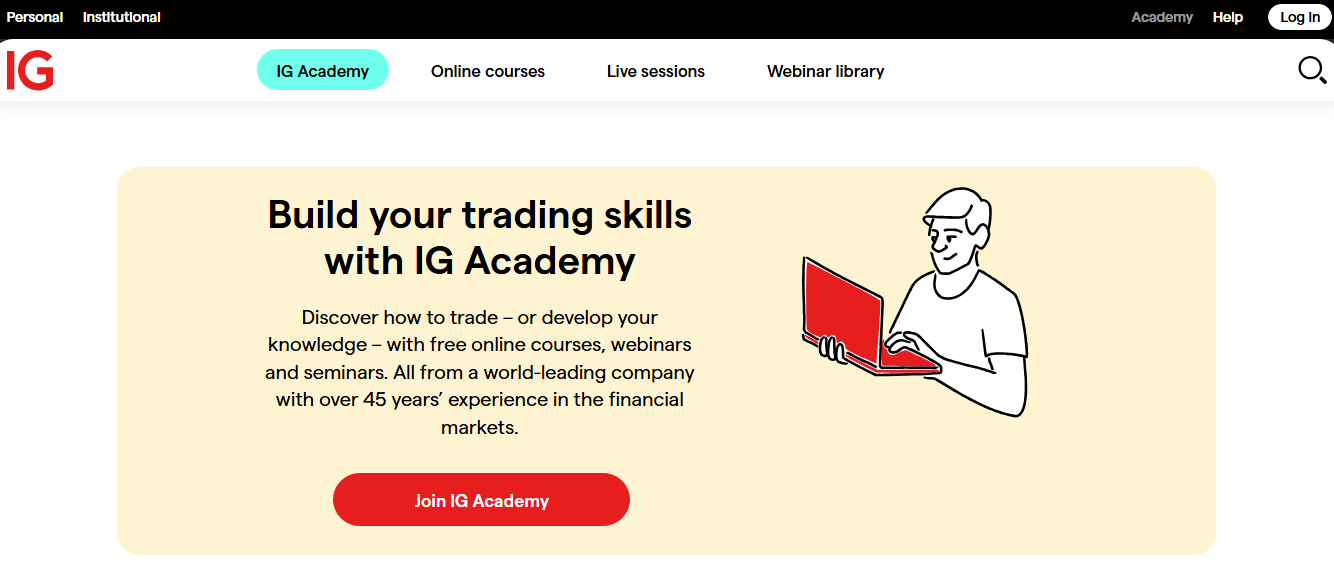
IG Academy is probably the most polished learning app you'll find from an actual broker. It's built by IG, one of the oldest regulated brokers in the world, and it shows in how the content is structured. You get courses that start from "what even is a currency pair" and build up to intermediate strategy, with quizzes at the end of each lesson to make sure things actually stick. The lessons are short enough that you can knock one out while waiting for coffee, which honestly helps a lot with consistency. If you already have an IG account, you can jump straight from the lesson into a demo environment and apply what you just learned. Even if you don't trade with IG, the app on its own is a legitimately useful piece of free education.
Features
| Developer | IG Group |
|---|---|
| Available On | iOS, Android |
| Price | Free |
| Primary Focus | Structured forex and trading courses |
| Demo Trading | Yes (requires IG account) |
| Content Format | Video, text, interactive quizzes |
| Difficulty Levels | Beginner, intermediate, advanced |
| Best For | Beginners who want a structured path |
| 📝 Sign up | 👉 Open Account |
Pros and Cons
| ✅ Pros | ❌ Cons |
|---|---|
| Built by a long-standing, regulated broker | Full demo access requires an IG account |
| Clean, structured lesson paths | Content leans toward IG's own products |
| Short lessons you can actually finish | Less community-driven than BabyPips |
| Quizzes reinforce what you learn | Limited advanced strategy depth |
Is IG Academy good for complete beginners?
Yes, IG Academy is one of the strongest options for complete beginners because it starts with the absolute basics and doesn't assume you know anything about trading. The courses build in a logical order, and you're not thrown into advanced charting before you understand what a pip is. It's genuinely one of the easier ways to go from zero to having a working understanding of how forex trades actually happen.
Do I need to open an IG trading account to use the app?
No, you don't need an IG account to use the educational content in the app. The lessons, quizzes, and courses are freely available once you download it. You'll only need an account if you want to practice in a live demo environment or move into real trading, which is a reasonable next step but not required to benefit from the learning side.
2. Trading Game
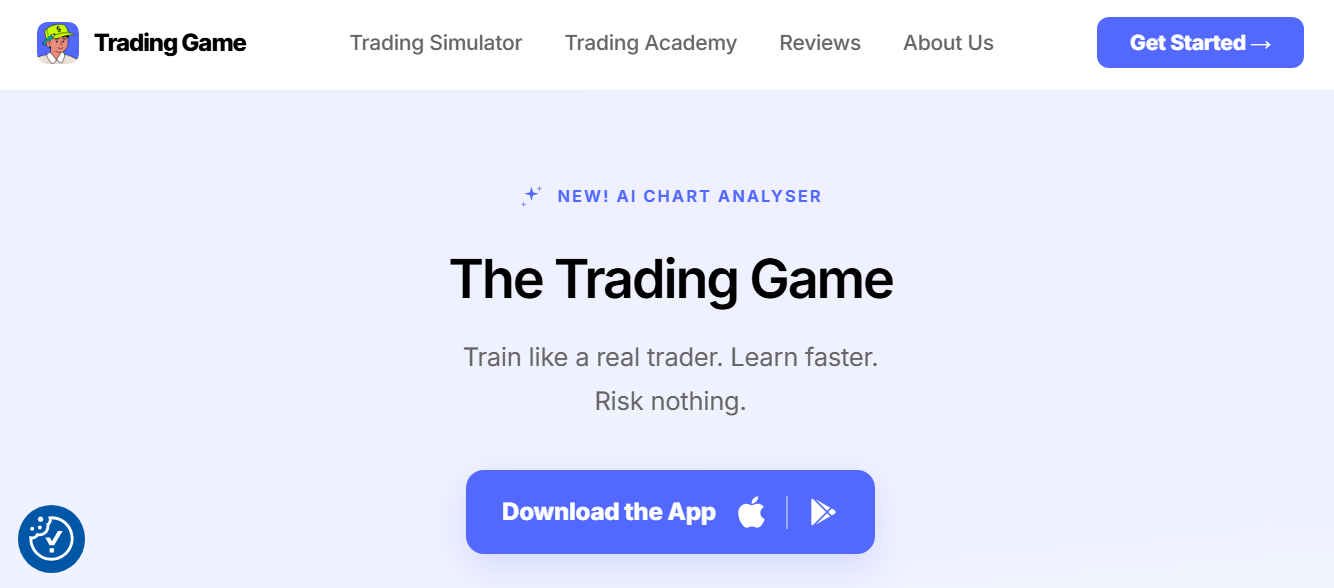
Trading Game turns forex and stock learning into something that feels more like playing a mobile game than studying. You go through levels, earn points, and unlock new content as you go, which sounds gimmicky but actually works well for people who struggle to stay engaged with traditional lessons. The app covers forex, stocks, and general trading concepts, and it uses real market data for its simulations so you're not just playing with made-up numbers. It's a solid pick if you've tried reading dense trading books and bounced off them. The gamified structure keeps you coming back, and the lessons themselves are legitimately well-built rather than just fluff dressed up as a game.
Features
| Developer | Trading Game Pty Ltd |
|---|---|
| Available On | iOS, Android |
| Price | Free (optional in-app purchases) |
| Primary Focus | Gamified forex and stock education |
| Demo Trading | Yes (simulated with real data) |
| Content Format | Levels, challenges, lessons |
| Supported Markets | Forex, stocks, indices |
| Best For | Beginners who learn through play |
| 📝 Sign up | 👉 Open Account |
Pros and Cons
| ✅ Pros | ❌ Cons |
|---|---|
| Engaging, game-like learning format | Not as deep as serious trading courses |
| Covers forex, stocks, and more | In-app purchases unlock full content |
| Uses real market data for simulations | Can feel more game than education at times |
| Good for daily short sessions | Limited advanced strategy content |
Is Trading Game suitable if I've never traded before?
Yes, Trading Game is specifically designed for people who have never traded before and need a gentler introduction. The levels start simple, the language stays plain, and you're guided through concepts without being overwhelmed. It's a good first step if traditional courses feel too dry, though you'll want to supplement it with other resources once you've got the basics down.
Can I actually learn real trading skills from a game-based app?
Yes, you can learn genuinely useful skills from Trading Game because it uses real market data and teaches core concepts like risk management, order types, and basic strategy. That said, no app alone will make you a profitable trader — it's a starting point that gets you comfortable with the mechanics before you move on to deeper study and real practice.
3. MetaTrader 4 / MetaTrader 5 (MT4 & MT5)
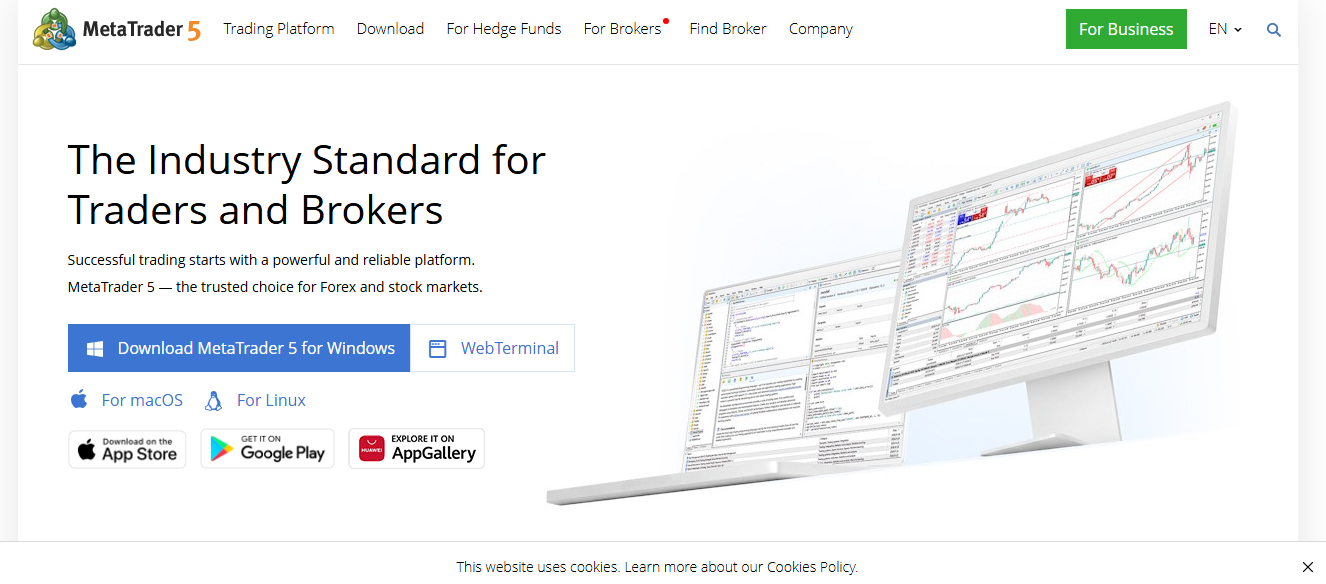
MetaTrader is the industry-standard trading app, and for good reason — it's what most forex brokers in the world actually use. MT4 is the older, lighter version that focuses on forex and CFDs, while MT5 is the newer version with more asset classes like stocks and futures. For training purposes, both apps let you open a free demo account with any supporting broker, which gives you access to real-time charts, dozens of indicators, and full order functionality using virtual money. It's not a learning app in the "lessons and quizzes" sense — it's where you actually practice what you've learned elsewhere. If you're serious about forex, you'll end up using MetaTrader eventually, so it makes sense to get familiar with it early.
Features
| Developer | MetaQuotes Software |
|---|---|
| Available On | iOS, Android, Web, Desktop |
| Price | Free |
| Primary Focus | Charting, analysis, live and demo trading |
| Demo Trading | Yes (via supporting brokers) |
| Technical Indicators | 30+ built-in, custom indicators supported |
| Chart Types | Line, bar, candlestick |
| Best For | Hands-on chart practice and demo trading |
| 📝 Sign up | 👉 Open Account |
Pros and Cons
| ✅ Pros | ❌ Cons |
|---|---|
| Industry-standard platform used globally | Interface can feel dated to new users |
| Free demo accounts via most brokers | No built-in lessons or courses |
| Full range of indicators and tools | Steep learning curve at first |
| Available on virtually every device | You need a broker account to use it fully |
Should I start with MT4 or MT5 as a beginner?
Most beginners should start with MT4 if their main focus is forex because it's simpler, lighter, and still the most widely supported platform. MT5 adds more asset classes and features, but the extra complexity isn't necessary when you're just learning. If you plan to trade stocks or futures alongside forex, go with MT5 from the start to avoid switching later.
Can I use MetaTrader without opening a live account?
Yes, you can use MetaTrader with just a demo account, which most brokers offer for free with no obligation to deposit real money. The demo gives you full access to charts, indicators, and virtual trading using live market data. It's a genuinely useful way to practice for weeks or months before deciding whether to go live with real funds.
4. BabyPips
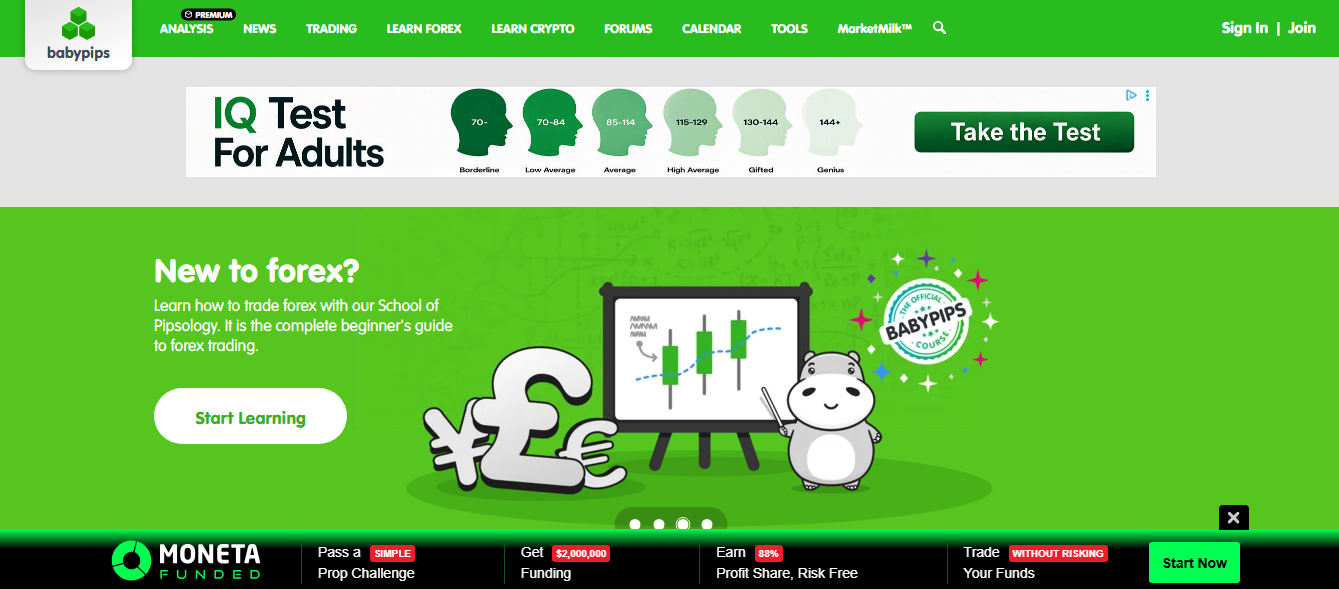
BabyPips is probably the most recommended free forex education on the internet, and the mobile experience holds up well through any browser. The flagship content is the "School of Pipsology," a full curriculum that walks you from kindergarten-level basics all the way through advanced strategy, broken into bite-sized lessons. There's no demo trading built in — this is pure education — but what it does, it does better than almost anyone. The writing is actually readable, which is rare in trading content, and it manages to explain concepts without either dumbing them down or burying you in jargon. Pair it with MT4 or TradingView for practice and you've got a seriously strong free setup.
Features
| Developer | BabyPips.com LLC |
|---|---|
| Available On | Web, mobile browser |
| Price | Free |
| Primary Focus | Comprehensive forex education |
| Demo Trading | No (education only) |
| Content Format | Written lessons, quizzes, forum |
| Full Curriculum | School of Pipsology (10 grade levels) |
| Best For | Self-directed learners who read well |
| 📝 Sign up | 👉 Open Account |
Pros and Cons
| ✅ Pros | ❌ Cons |
|---|---|
| Most complete free forex curriculum | No native mobile app, browser only |
| Written in genuinely plain English | No built-in demo trading |
| Active forum and community | Content is mostly text-based |
| Zero cost, zero sign-up required | Can feel long if you want quick wins |
How long does it take to finish the BabyPips course?
Finishing the full School of Pipsology typically takes anywhere from a few weeks to a few months, depending on how much time you can commit and how deeply you want to absorb each lesson. If you do one grade per week, you're looking at roughly 10 weeks. Most people find it more useful to go slower and actually practice what they learn in a demo account alongside.
Is BabyPips enough on its own to start trading?
BabyPips gives you the theoretical foundation to start trading, but on its own it isn't enough — you still need hands-on practice in a demo environment before risking real money. Think of it as the textbook. You'll still need to spend weeks placing virtual trades, making mistakes, and getting comfortable with a platform like MT4 before going live.
5. AvaTradeGO
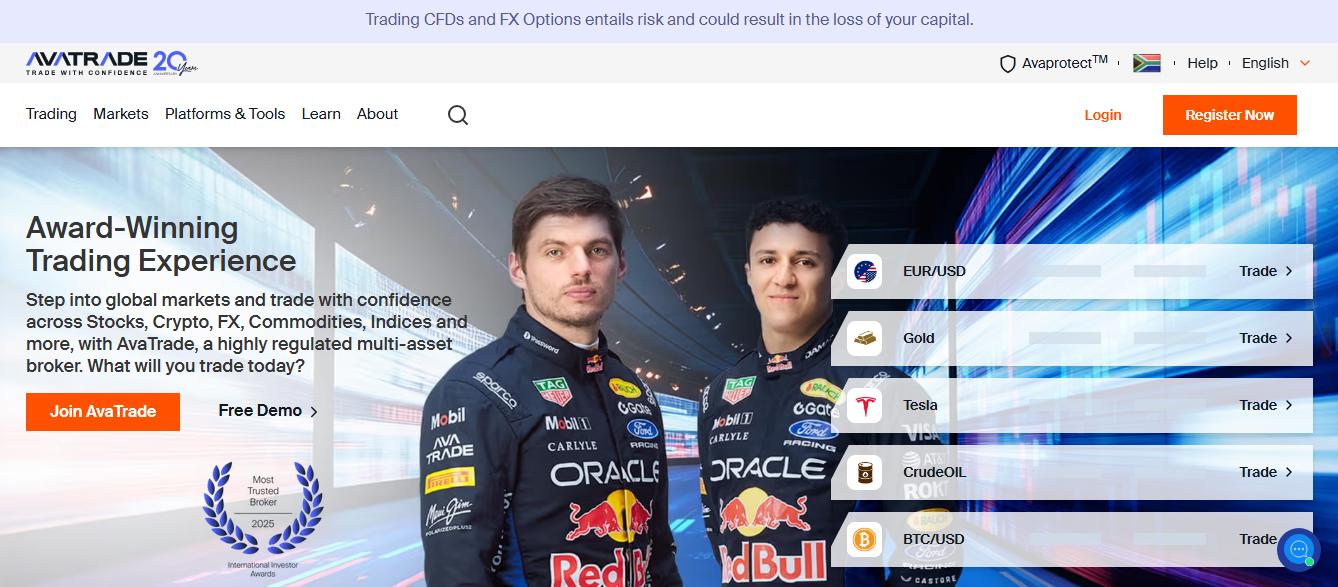
AvaTradeGO is the proprietary app from AvaTrade, and it's one of the easiest trading platforms to pick up as a beginner. The interface is clean, the key information is right where you expect it, and placing a trade doesn't require digging through five menus. You can open a demo account in a couple of minutes without funding anything, which lets you practice with virtual money on real market conditions. AvaTrade is a well-regulated broker, so you're not using some sketchy app with no oversight — that matters when you eventually transition to live trading. The app also includes AvaProtect, which is a feature that lets you insure trades against losses for a fee, something unusual in this space.
Features
| Developer | AvaTrade |
|---|---|
| Available On | iOS, Android |
| Price | Free |
| Primary Focus | Beginner-friendly live and demo trading |
| Demo Trading | Yes (unlimited) |
| Minimum Deposit (live) | $100 |
| Regulation | ASIC, Central Bank of Ireland, FSCA, FSA Japan, FSC BVI |
| Best For | New traders who want a clean, simple app |
| 📝 Sign up | 👉 Open Account |
Pros and Cons
| ✅ Pros | ❌ Cons |
|---|---|
| Very clean, beginner-friendly interface | No in-app education or courses |
| Regulated by multiple top-tier authorities | $100 minimum to go live |
| Free, unlimited demo account | Fewer indicators than MT4/MT5 |
| AvaProtect loss-insurance feature | Tied to the AvaTrade ecosystem |
Can I use AvaTradeGO without depositing real money?
Yes, you can use AvaTradeGO's demo account without depositing anything — just sign up and you'll get access to virtual funds you can trade on live market data. The demo doesn't have time limits in the same restrictive way some brokers do, so you can genuinely use it as a long-term training tool. You'll only need to deposit when you decide to switch to live trading.
How is AvaTradeGO different from using MT4?
AvaTradeGO is AvaTrade's own simplified app, built to be easier for beginners, while MT4 is the full-featured industry-standard platform with more tools and complexity. If you want quick, clean trading and don't need dozens of custom indicators, AvaTradeGO wins. If you want full charting flexibility and plan to use custom scripts, MT4 is the better long-term option.
6. Go Forex
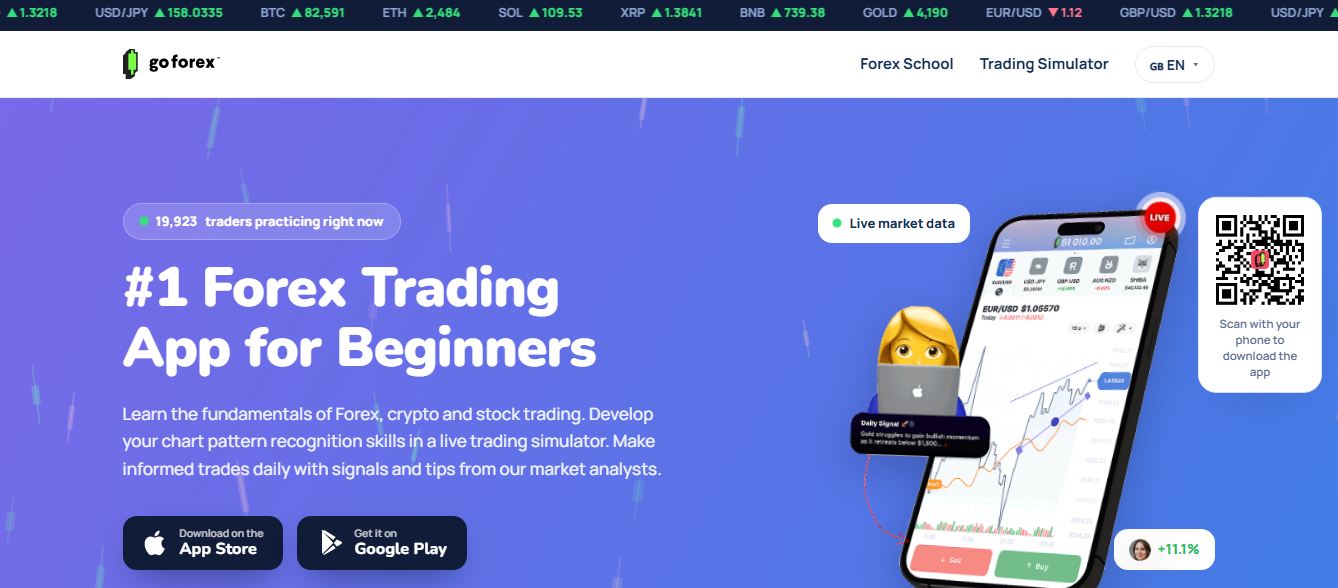
Go Forex is a straightforward educational app that focuses on getting absolute beginners up to speed as quickly as possible. The lessons are short, visually simple, and cover the exact concepts you need to understand before you can even make sense of a trading platform — things like what a pip actually is, how leverage works, and what the common chart patterns mean. It's not trying to turn you into a professional trader; it's trying to make sure you don't get lost in jargon the first time you open MT4. The app is free with optional in-app purchases to unlock more advanced content. If you're totally new and need something simple before diving into BabyPips or a demo account, this is a reasonable warm-up.
Features
| Developer | Go Forex |
|---|---|
| Available On | iOS, Android |
| Price | Free (optional in-app purchases) |
| Primary Focus | Short beginner forex lessons |
| Demo Trading | No |
| Content Format | Bite-sized visual lessons |
| Target Audience | Absolute beginners |
| Best For | Learning the vocabulary and basics fast |
📝 Sign up | 👉 Open Account |
Pros and Cons
| ✅ Pros | ❌ Cons |
|---|---|
| Short lessons, easy to fit in a day | Shallow depth compared to BabyPips |
| Simple visual explanations | No demo trading built in |
| Good for absolute beginners | Advanced content locked behind purchases |
| Free to download and start | Limited updates to content |
Is Go Forex enough to actually learn forex?
Go Forex is enough to teach you the vocabulary and foundational concepts, but it's not enough to learn forex trading end-to-end. Treat it as a primer — once you've worked through the lessons, you'll want to move to a more complete course like BabyPips and start practicing in a demo account. On its own, it won't get you anywhere near trade-ready.
Does Go Forex have a demo trading feature?
No, Go Forex is purely an educational app and doesn't include demo trading. For that, you'll need to pair it with a broker-supplied demo account using MT4, MT5, or something like AvaTradeGO. Go Forex handles the theory side, and you'll apply what you've learned in a separate platform designed for actual practice.
7. TradingView
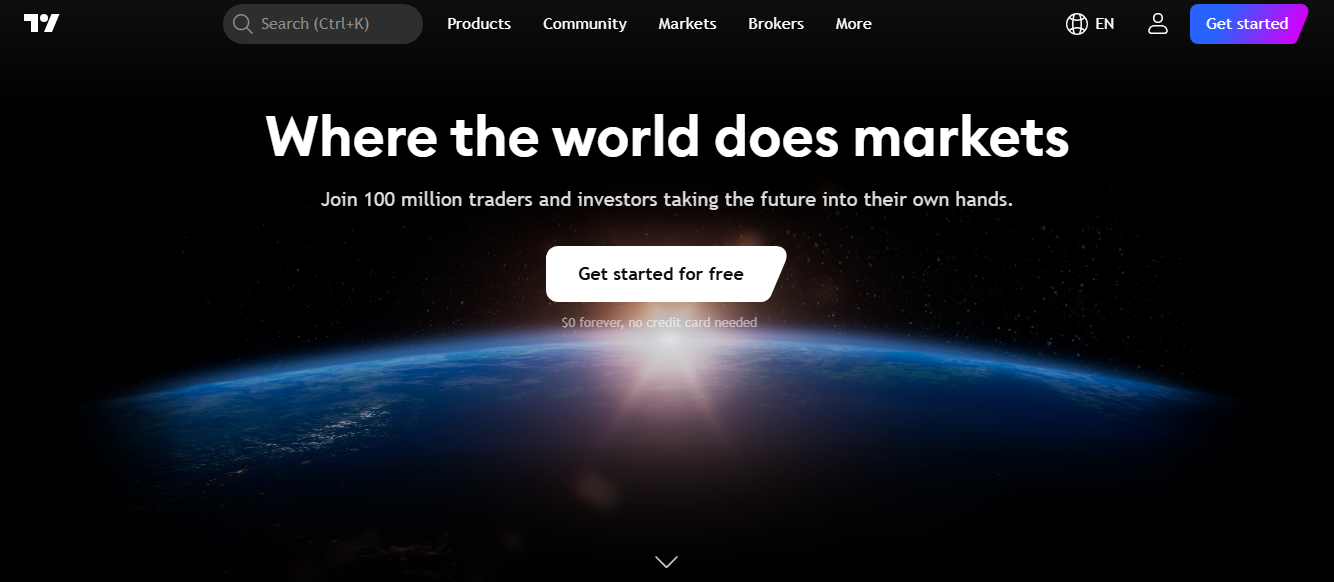
TradingView is one of those apps that experienced traders rave about, and for good reason — its charting is genuinely excellent, and it's free to start. For training purposes, it's useful in two ways. First, you get access to incredibly powerful charts across forex, stocks, crypto, and more, with hundreds of indicators and drawing tools. Second, there's a built-in paper trading feature that lets you place virtual trades directly from the chart, which is a cleaner practice experience than most broker-supplied demos. The community side is a bonus — you can see other traders' analysis, follow their ideas, and start recognizing what good chart reading actually looks like. The free plan is enough for most beginners; paid tiers add more indicators per chart and remove ads.
Features
| Developer | TradingView Inc. |
|---|---|
| Available On | iOS, Android, Web, Desktop |
| Price | Free (Pro from $14.95/month) |
| Primary Focus | Charting, analysis, paper trading, community |
| Demo Trading | Yes (built-in paper trading) |
| Supported Markets | Forex, stocks, crypto, futures, indices |
| Indicators | Hundreds, with custom scripting (Pine Script) |
| Best For | Chart analysis practice and community learning |
| 📝 Sign up | 👉 Open Account |
Pros and Cons
| ✅ Pros | ❌ Cons |
|---|---|
| Best-in-class charting, even on free plan | Advanced features behind paid tiers |
| Built-in paper trading, no broker needed | Can be overwhelming at first |
| Huge community of traders sharing ideas | Not designed as a learning app |
| Works across every major market | Live broker connections limited by region |
Is TradingView good for beginners or more for experienced traders?
TradingView is good for both, but beginners should expect a bit of a learning curve before they get comfortable with it. The charts have so many options that it can feel overwhelming at first. Once you've worked through the basics elsewhere and know what indicators you actually want to use, TradingView becomes one of the most powerful tools you can have — free or paid.
Can I practice trading on TradingView without a broker?
Yes, TradingView has a built-in paper trading feature that lets you practice with virtual money directly from any chart, without needing to open a broker account. It's one of the quickest ways to start practicing — you can be placing virtual trades on real markets within minutes of signing up, which beats the setup time of most broker demos.
8. Exness Trader

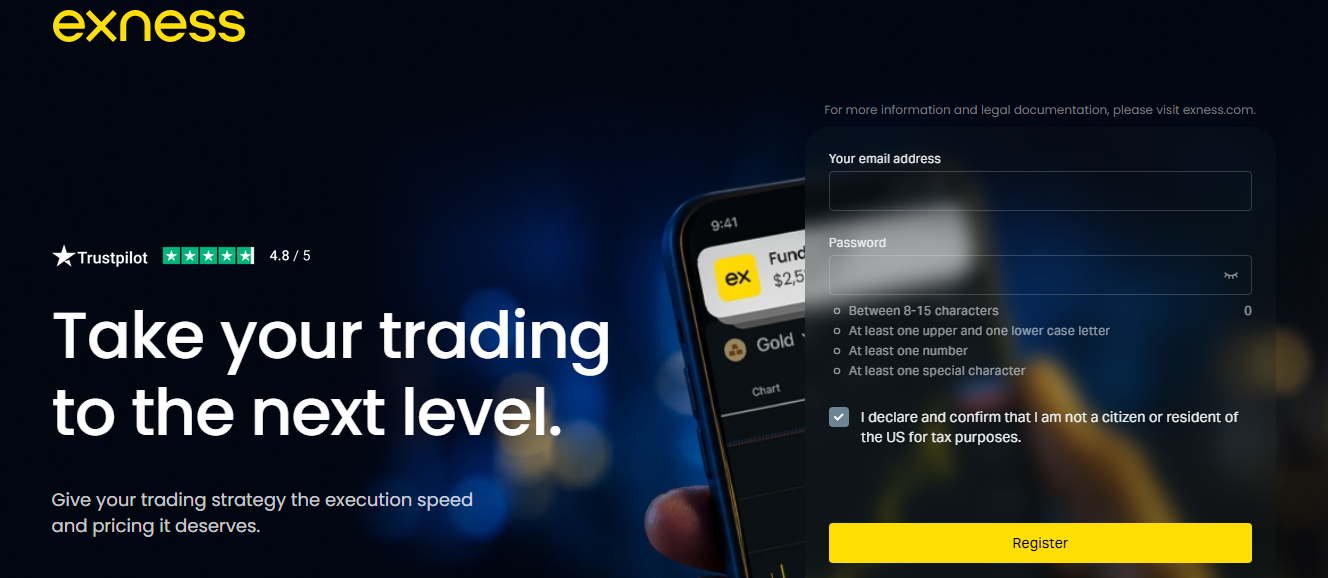
Exness Trader is the proprietary app from Exness, one of the larger forex brokers globally, and it's a solid choice if you want a low-barrier entry into both demo and live trading. You can open a demo account in under a minute and start practicing with virtual funds, which is useful when you don't want to commit to a longer sign-up process just to try things out. The app itself is clean and relatively easy to figure out, though it does lean more toward functional than beautiful. Exness is known for low minimum deposits on live accounts, so when you're ready to transition, you don't need a huge amount of capital. The regulation picture is mixed depending on your region, so check what applies where you're trading from before going live.
Features
| Developer | Exness |
|---|---|
| Available On | iOS, Android |
| Price | Free |
| Primary Focus | Live and demo trading via proprietary app |
| Demo Trading | Yes (quick setup) |
| Minimum Deposit (live) | From $1 (varies by account type) |
| Regulation | FSCA, CySEC, FCA, FSA Seychelles (varies by entity) |
| Best For | Low-barrier practice and live transition |
| 📝 Sign up | 👉 Open Account |
Pros and Cons
| ✅ Pros | ❌ Cons |
|---|---|
| Fast demo setup, minimal friction | No built-in training content |
| Very low minimum deposit for live trading | Interface prioritizes function over polish |
| Regulated across several jurisdictions | Regulatory coverage varies by region |
| Clean, functional design | Fewer charting tools than MT4/MT5 |
Is Exness Trader good for complete beginners?
Exness Trader works for beginners mainly because of how quickly you can start practicing in a demo account, but it doesn't hold your hand with built-in lessons. You'll need to learn the basics elsewhere first — through BabyPips, Go Forex, or similar — and then use Exness Trader as the hands-on practice environment. It's practical rather than educational.
What's the lowest amount I can deposit to trade live with Exness?
Exness has some of the lowest minimum deposits in the industry, starting from as little as $1 on certain account types, though $10 is more realistic for a usable starting balance. This makes it a reasonable option if you want to move from demo to live without putting significant money at risk while you're still building confidence.
9. HFM

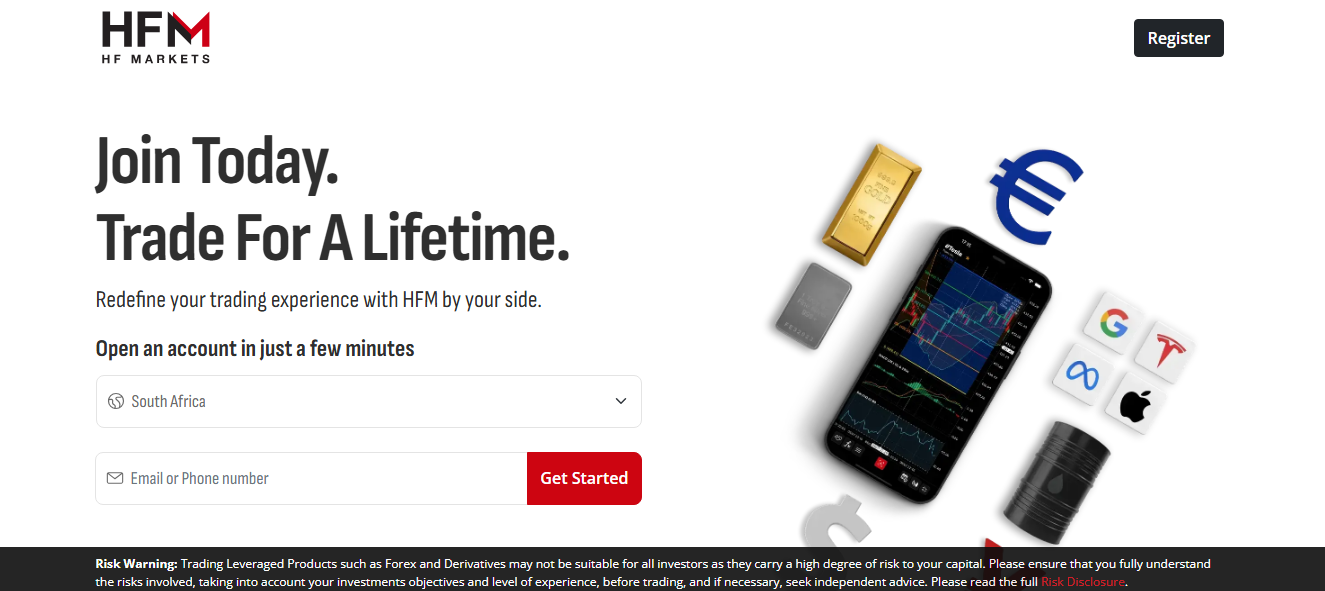
HFM, previously known as HotForex, is a long-established broker, and its mobile app is built around giving you full account management plus access to MT4 and MT5 trading. For training, the useful part is that you can open an HFM demo account directly through the app and start practicing in minutes. The app includes the broker's own tools alongside the standard MetaTrader experience, so you get economic calendars, market analysis, and trading signals built in. It's not an educational app in the lessons-and-quizzes sense — it's a practical trading environment where the training value comes from using it. HFM is regulated across several jurisdictions, and the mobile experience is solid for both beginners starting on demo and intermediate traders managing live accounts.
Features
| Developer | HF Markets (HFM) |
|---|---|
| Available On | iOS, Android |
| Price | Free |
| Primary Focus | Account management, demo and live trading |
| Demo Trading | Yes |
| Minimum Deposit (live) | $0 (varies by account type) |
| Regulation | FSCA, FCA, CySEC, DFSA, FSA Seychelles (varies by entity) |
| Best For | Practicing in a broker ecosystem with real tools |
| 📝 Sign up | 👉 Open Account |
Pros and Cons
| ✅ Pros | ❌ Cons |
|---|---|
| Full MT4 and MT5 integration | No in-app lessons or courses |
| Economic calendar and signals built in | Can feel busy for first-timers |
| Regulated across multiple regions | Best used alongside separate learning |
| Low or no minimum deposit on some accounts | Tied to the HFM broker ecosystem |
Can I use HFM just to practice without going live?
Yes, you can use HFM's demo account indefinitely to practice without ever moving to a live account. Opening a demo through the app takes a few minutes and gives you access to real market data with virtual funds. It's a reasonable option if you specifically want a broker-side practice environment rather than a standalone education app.
What makes HFM different from just downloading MT4 directly?
HFM gives you MT4 and MT5 access plus the broker's own tools — economic calendars, signals, market analysis, and account management — all in one app. If you downloaded MT4 directly, you'd still need to pair it with a broker. Using the HFM app bundles everything together so you don't have to jump between tools.
10. Stock Trainer: Virtual Trading
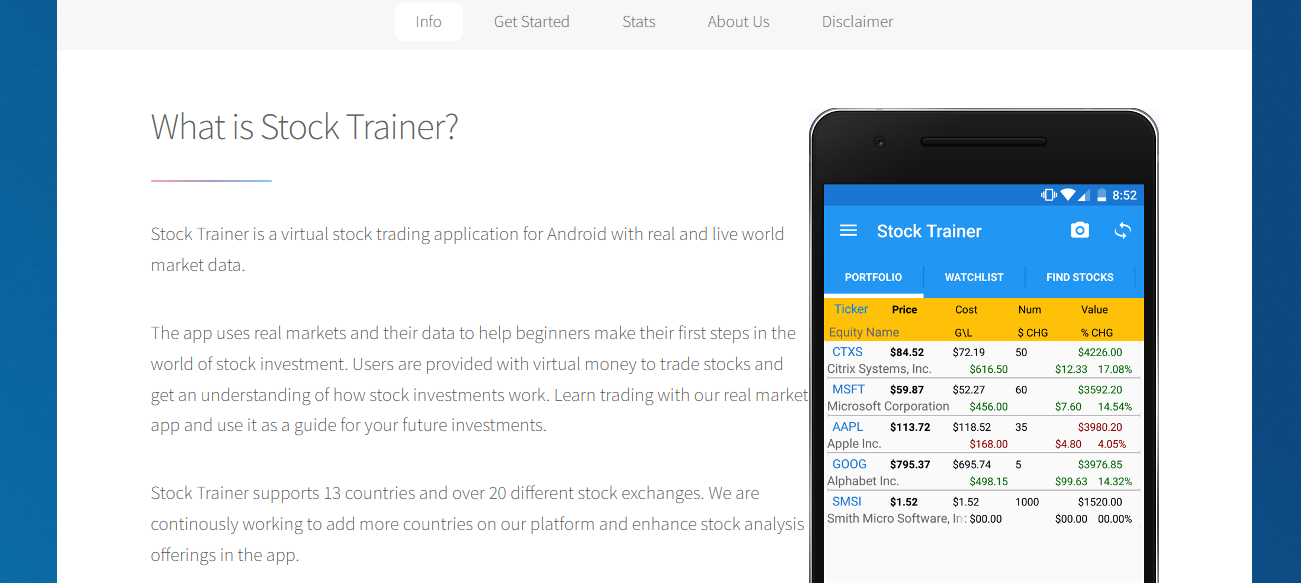
Stock Trainer by A-Life Software is a straightforward simulation app that lets you practice trading across 20 global stock markets using real market data, without ever risking a cent. It's primarily a stock trading simulator rather than a dedicated forex app, but the mechanics of placing orders, managing positions, and using stop-loss and limit orders carry over directly to forex. For complete beginners, it's a low-pressure way to get used to how markets move and how the mechanics of trading actually work. The app is Android-only, which is the main limitation if you're on iOS. It's free and ad-supported, with a premium version available to remove the ads. The historical chart data goes back over ten years, which is useful for seeing how markets behave over longer periods.
Features
| Developer | A-Life Software |
|---|---|
| Available On | Android only |
| Price | Free (ad-supported, premium available) |
| Primary Focus | Virtual stock trading with real data |
| Demo Trading | Yes (fully virtual) |
| Supported Markets | 20 global stock markets |
| Order Types | Market, stop-loss, limit |
| Best For | Risk-free simulated practice for beginners |
| 📝 Sign up | 👉 Open Account |
Pros and Cons
| ✅ Pros | ❌ Cons |
|---|---|
| Completely risk-free virtual trading | Android only, no iOS version |
| Covers 20 global stock markets | Primarily stocks, not forex-specific |
| Real market data with 10+ years of history | Ads unless you upgrade to premium |
| Supports stop-loss and limit orders | No educational lessons included |
Is Stock Trainer useful for forex traders if it focuses on stocks?
Stock Trainer is useful for forex traders because the mechanics of placing orders, managing risk with stop-loss, and reading charts transfer directly between stocks and forex. The specific instruments differ, but the habits you build — like sticking to a trade plan and not panicking at every price move — are the same. For dedicated forex practice, pair it with a forex-specific demo like MT4 or AvaTradeGO.
Do I need to be on Android to use Stock Trainer?
Yes, Stock Trainer is only available on Android, which is one of its clearest limitations. If you're on iOS, you'll need to look at alternatives like TradingView's paper trading or a broker-supplied demo through AvaTradeGO or MT4. The functionality isn't unique enough that iPhone users are missing something irreplaceable.
What is a Forex Training App?
A forex training app is a mobile or web-based tool designed to teach you how the foreign exchange market works and let you practice trading without using real money. Some apps are built purely around education — think structured courses, quizzes, and glossaries that walk you through concepts step by step. Others combine learning with simulation, giving you a demo account that mirrors live market conditions so you can test strategies, place virtual trades, and get a feel for how price movements play out before risking your actual capital.
Conclusion
Forex training apps aren't magic — none of them will turn you into a profitable trader on their own. What they do is remove the two biggest barriers for beginners: the cost of making mistakes with real money, and the intimidation of walking into forex without understanding the basics. The strongest setup is usually a combination — something like BabyPips or IG Academy for the lessons, paired with MT4 or TradingView for hands-on chart practice, and a broker-supplied demo like AvaTradeGO or Exness Trader when you're ready to simulate real trading conditions. Start free, learn at your own pace, and don't rush into live trading just because you had a few good demo trades. The traders who last are the ones who treat learning as the main event, not the warm-up.
You might also like:
- Best Forex Trading Platforms in South Africa
- Best Forex Demo Accounts
- Best Forex Brokers for Beginners
- Best Forex Trading Strategies
- Best MT4 Brokers in South Africa
Frequently Asked Questions
What is a forex training app?
A forex training app is a mobile or web tool designed to teach you how currency markets work and let you practice trading in a safe environment. Some focus purely on education, with structured lessons and quizzes, while others combine learning with demo trading using real market data. The goal is to build the knowledge and habits you need before putting real money at risk.
Are forex training apps free to use?
Most forex training apps are free to download and use, especially for core features. Apps like BabyPips, MT4, MT5, and TradingView have genuinely useful free versions, while others like Trading Game and Go Forex offer free content with optional in-app purchases. Paid upgrades usually unlock advanced features or remove ads, but the free tiers are enough to get most beginners started.
Can I actually learn forex trading from an app alone?
You can learn the foundations of forex trading from an app, but you'll usually need more than one app to cover both theory and practice. A dedicated education app like BabyPips teaches you the concepts, while a demo trading app like MT4 lets you apply them. Combining the two mimics a real learning path far better than relying on a single tool.
Which forex training app is best for complete beginners?
For complete beginners, BabyPips and IG Academy are the strongest starting points because they're structured, free, and don't assume prior knowledge. Pair either one with a demo account in MT4 or AvaTradeGO once you've worked through the basics, and you've got a complete learning setup that costs you nothing but your time.
Do forex training apps work on both iOS and Android?
Most major forex training apps are available on both iOS and Android, including MT4, MT5, TradingView, AvaTradeGO, HFM, Exness Trader, Trading Game, Go Forex, and IG Academy. The main exception on this list is Stock Trainer, which is Android only. BabyPips works through any mobile browser, so the platform doesn't matter there.
How long should I spend on a demo account before trading live?
Most people should spend at least two to three months on a demo account before moving to live trading, though there's no hard rule. The real test isn't time — it's whether you can execute a consistent strategy, manage risk, and avoid emotional decisions in demo. If you're still making impulsive trades on virtual money, going live will only make it worse.
Will I actually make money if I train with these apps?
Training with these apps gives you a better chance of making money when you eventually trade live, but the apps themselves don't generate real profits — demo trading uses virtual money. The honest reality is that most new forex traders lose money in their first live attempts, which is exactly why spending time in training apps first is worth the effort.
Is MetaTrader good for beginners or too complicated?
MetaTrader has a learning curve, but it's manageable for beginners who are willing to spend a few hours getting used to the interface. The payoff is that MT4 and MT5 are what you'll eventually use for real trading, so the time invested isn't wasted. If you want something simpler to start with, AvaTradeGO is friendlier and you can move to MT4 later.
Can I use forex training apps without an internet connection?
Educational apps with downloaded lessons sometimes work offline, but any app that uses live market data or demo trading needs an internet connection to function. MT4, MT5, TradingView, AvaTradeGO, and similar trading apps all require you to be online. Pure learning apps like Go Forex may let you access lessons offline once they've been loaded.
Do I need a broker account to use forex training apps?
You don't need a broker account for pure education apps like BabyPips, Go Forex, Trading Game, IG Academy, or Stock Trainer. For demo trading in apps like MT4, MT5, AvaTradeGO, HFM, or Exness Trader, you'll need to open a free demo account with the relevant broker — this doesn't require a deposit and takes just a few minutes. TradingView's paper trading works without any broker at all.
You Might Also Like


Recommended brokers